
How to copy Apple Podcasts transcripts in 2026 (and why the Sonoma trick doesn't scale)
·By Podscribie
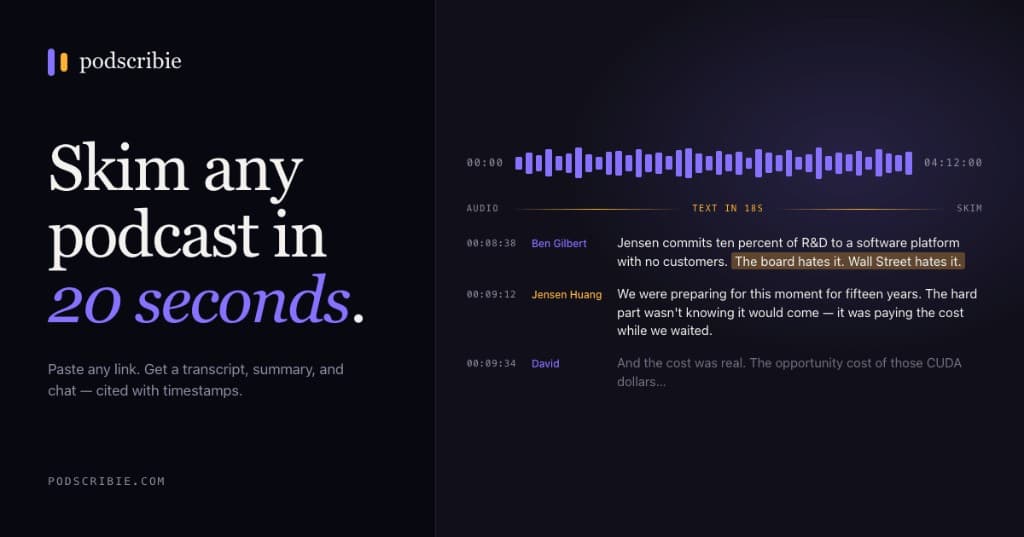
What Apple actually ships in 2026
Apple introduced built-in transcripts in iOS 17.4 (March 2024) and rolled them into the same Apple Podcasts client on iPadOS, visionOS, and CarPlay. They are documented here and they are good — speaker-attributed, timestamped, scroll follows playback.
What they are not is exportable. Specifically:
- iPhone, iPad, Vision Pro only — no Mac, no Web, no Windows.
- Long-press copy is rate-limited to roughly 200 words per selection.
- No share sheet item, no .txt export, no API, no Shortcuts action.
- Only available for shows whose publishers opt in via the Apple Podcasts Connect transcripts spec.
In practice that means “Apple has transcripts” and “you can use Apple's transcripts in Claude/Notion/ Obsidian” are two different statements.
Why the macOS Sonoma Shortcut trick is dead
Around April 2024 a clever Shortcut surfaced on Reddit and Hacker News. It read ~/Library/Group Containers/243LU875E5.groups.com.apple.podcasts/Library/Cache and pulled the cached .ttmltranscript Apple had downloaded for episodes you'd listened to. For a few weeks it was the cleanest way to get a copyable Apple Podcasts transcript on macOS.
It does not work in 2026. There are three reasons:
- In macOS 14.4 Apple started encrypting the transcript cache blob using the same scheme as DRM'd audio.
- Even pre-encryption, you only got transcripts for episodes you had already streamed on that exact Mac. Bulk back-catalog was never possible.
- Apple rolled out background eviction on the cache directory in 15.0, so cached entries vanish within a few days of playback.
If you saw a recent post claiming the trick still works on a fresh macOS install, it's almost always being run on an old machine someone never updated. Don't build a workflow on it.
What still works in 2026
There are five paths people actually use today:
- Read on iPhone, copy 200 words at a time. Free, accurate, miserable for anything longer than a highlight.
- YouTube auto-captions. If the show is cross-posted to YouTube you can pull captions with
yt-dlp --write-auto-sub. Quality is noticeably worse than what you see in Apple, no speaker labels, and frequent guest mis-spellings. - Run Whisper on a downloaded MP3.Free if you have a GPU, slow if you don't. Real-time on an M2 Mac is roughly 2-4× playback speed for the “medium” model. No speaker diarization out of the box.
- Pay a per-minute API.Deepgram, AssemblyAI, and OpenAI's gpt-4o-transcribe all sit around half a cent per minute. Speaker labels included on the first two. Excellent quality.
- Use a hosted bulk tool. What we built — Podscribie takes any Apple Podcasts URL, resolves it to RSS, and bulk-transcribes the whole show with speaker labels and AI summaries. One click → ZIP of
.md+ JSON.
Which one should you pick?
Honestly, it depends on volume.
One episode for one specific quote?Don't overthink it. Open the show on iPhone, find the moment, copy the section you need.
One full episode you want to drop into Claude or NotebookLM? Either run Whisper locally if you already have it set up, or paste the episode URL into something hosted. For one-offs the two free transcripts/day Podscribie tier is designed for exactly this.
An entire 200-episode back catalog?Local Whisper is going to take you 20+ hours of compute and you still won't have speaker labels. Per-minute APIs put you at $30-50 in raw cost plus a custom pipeline you have to write. This is the case where a hosted bulk tool earns its price — it's the use case we wrote this playbook for.
What we do, exactly
Podscribie is a hosted bulk Apple Podcasts transcript tool. The flow is:
- You paste any Apple Podcasts show URL.
- We resolve it to the underlying RSS feed via the iTunes Lookup API and list every episode the feed exposes.
- You hit Select all (or check individual episodes) and we transcribe them with Deepgram Nova-3 — speaker labels, timestamps, and a structured AI summary.
- From your library, hit Export. You get one Markdown file per episode (with YAML frontmatter so it imports cleanly into Obsidian) plus
manifest.json.
Two transcripts a day are free, no credit card. If you're curious about the broader landscape, we wrote a separate post on why the 200-word copy limit exists in the first place.
Stop copy-pasting Apple Podcasts transcripts 200 words at a time.
Two free transcripts a day. No credit card. Works on any platform.
Free · 2 episodes/day, up to 45 minutes each.