
Use case · NotebookLM
NotebookLM podcast transcript without the mp3 dance.
Free · 2 episodes/day, up to 45 minutes each.
How it works
- 01
Transcribe the episodes
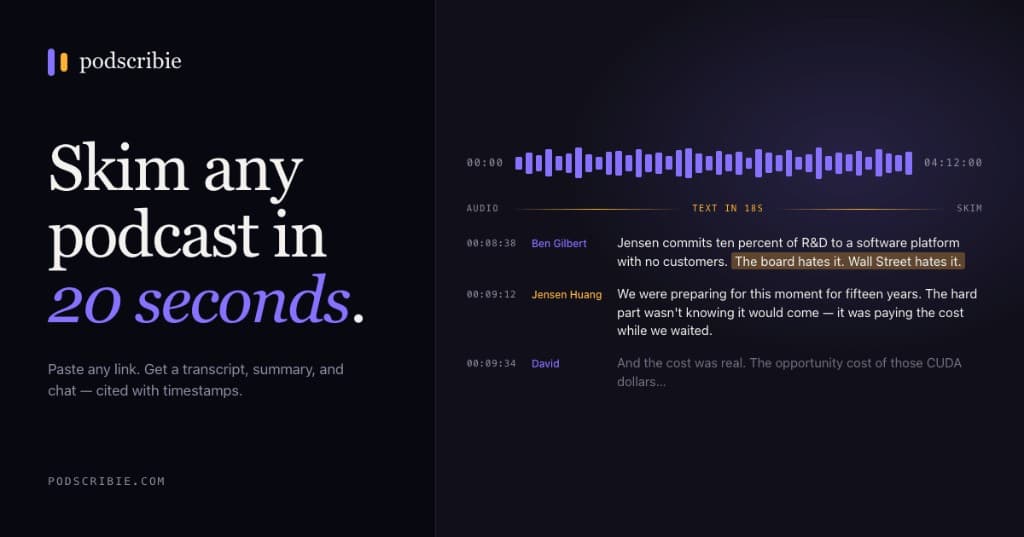
Paste the show URL on podscribie. We use Deepgram Nova-3, which finishes a 1-hour episode in ~20 seconds and produces speaker-labeled output that NotebookLM can actually parse.
- 02
Export as plain text
From the Library, select episodes → Export → choose Markdown. Each episode comes back as a single .md file. NotebookLM accepts .txt and pasted text up to 500K words per source.
- 03
Paste into NotebookLM
In NotebookLM → New notebook → Add source → Pasted text. Drop the contents of one .md file per source. Repeat for each episode (NotebookLM allows up to 50 sources per notebook).
What you get
- No mp3 upload, no transcription wait, no timeouts
- 500K words per source × 50 sources = 25M words per notebook
- Speaker labels survive the paste — “Tim Ferriss:”, not “Speaker 1:”
- Generate Audio Overviews from real podcasts
- Cite specific timestamps in NotebookLM responses
- Free NotebookLM tier works fine — no Plus needed
Frequently asked
Why not just upload the mp3 to NotebookLM directly?+
NotebookLM does accept audio, but transcription quality is lower than Deepgram, it doesn't label speakers, and there's no easy way to bulk-import a back catalog. Pasting clean text gets you better answers and works in a tenth the time.
How many episodes can I fit in one notebook?+
NotebookLM allows 50 sources per notebook, each up to 500,000 words. A typical 1-hour episode is ~9,000 words, so a single source could hold ~50 episodes if you concatenate them. In practice we recommend one episode per source so citations stay precise.
Will NotebookLM's Audio Overview work with pasted transcripts?+
Yes — Audio Overview reads the text content of all sources, regardless of whether the original was audio or text. It actually works better with clean transcripts than with raw mp3 because there's no transcription noise.
Do I have to paste each episode manually?+
Yes for now — NotebookLM's API doesn't support source creation programmatically yet (as of 2026). The export gives you one file per episode so you can copy-paste in batches.
What about Spotify-only podcasts?+
Most shows on Spotify also publish RSS — paste the Apple Podcasts or RSS link. True Spotify-exclusives can't be transcribed because Spotify doesn't expose the audio publicly.
Try it on a show you actually listen to
Two free transcripts a day, forever. No credit card.
Free · 2 episodes/day, up to 45 minutes each.